
OmicVerse Installation Guide#
For the Chinese version, please check 安装指南 (中文版).
Prerequisites#
OmicVerse can be installed via conda or pip, but you must install PyTorch first.
Note
We recommend installing OmicVerse within a conda environment to avoid dependency
conflicts. Use pip install -U omicverse to update existing installations.
We also recommend using uv pip instead of regular pip.
You can install uv by running pip install uv.
Platform-Specific Requirements#
Install the WSL subsystem and configure conda within WSL.
Starting from version 1.6.2, OmicVerse supports native Windows.
You’ll need to install torch and torch_geometric first.
Use miniforge or
mambaforge.
Important for Apple Silicon Macs: OmicVerse requires a native version of Python. Install a native Apple Silicon version of mambaforge using Homebrew:
brew install --cask mambaforge
Installation Methods#
The easiest way to install OmicVerse is using our installation script:
# Linux only
curl -sSL omicverse.com/install | bash -s
This script will automatically:
Set up the appropriate environment
Install the correct PyTorch version for your system
Install all required dependencies
Configure OmicVerse optimally for your hardware
Create and activate a new environment:
conda create -n omicverse python=3.10
conda activate omicverse
Install PyTorch and PyTorch Geometric (PyG):
# For CUDA support (check your CUDA version with 'nvcc --version')
conda install pytorch torchvision torchaudio pytorch-cuda=11.8 -c pytorch -c nvidia

# OR for CPU-only installation
conda install pytorch torchvision torchaudio cpuonly -c pytorch

# Install PyTorch Geometric
conda install pyg -c pyg
Install OmicVerse:
conda install omicverse -c conda-forge
Verify the installation:
python -c "import omicverse"
Install uv (recommended package manager):
pip install uv
Install PyTorch (installing with pip on macOS may encounter some issues):
uv pip install torch torchvision torchaudio
Install PyTorch Geometric:
uv pip install torch_geometric
Install OmicVerse:
uv pip install omicverse
Verify the installation:
python -c "import omicverse"
Other Options#
To install the latest development version with the newest features:
# Option 1: Clone repository and install locally
git clone https://github.com/Starlitnightly/omicverse.git
cd omicverse
pip install .

# Option 2: Install directly from GitHub
pip install git+https://github.com/Starlitnightly/omicverse.git
For contributors:
pip install -e ".[dev,docs]"
For maximum performance with GPU acceleration:
# 1. Create a new conda environment
conda create -n rapids python=3.11

# 2. Install RAPIDS
conda install rapids=24.04 -c rapidsai -c conda-forge -c nvidia -y

# 3. Install additional RAPIDS components
conda install cudf=24.04 cuml=24.04 cugraph=24.04 cuxfilter=24.04 \
    cucim=24.04 pylibraft=24.04 raft-dask=24.04 cuvs=24.04 \
    -c rapidsai -c conda-forge -c nvidia -y

# 4. Install rapids-singlecell
pip install rapids-singlecell

# 5. Install OmicVerse
curl -sSL https://raw.githubusercontent.com/Starlitnightly/omicverse/refs/heads/master/install.sh | bash -s
Note
We install RAPIDS 24.04 because some systems have glibc < 2.28. Follow the official RAPIDS tutorial to install the latest version if your system supports it.
Docker#
Pre-built Docker images are available on Docker Hub.
docker pull starlitnightly/omicverse
Jupyter Lab Setup#
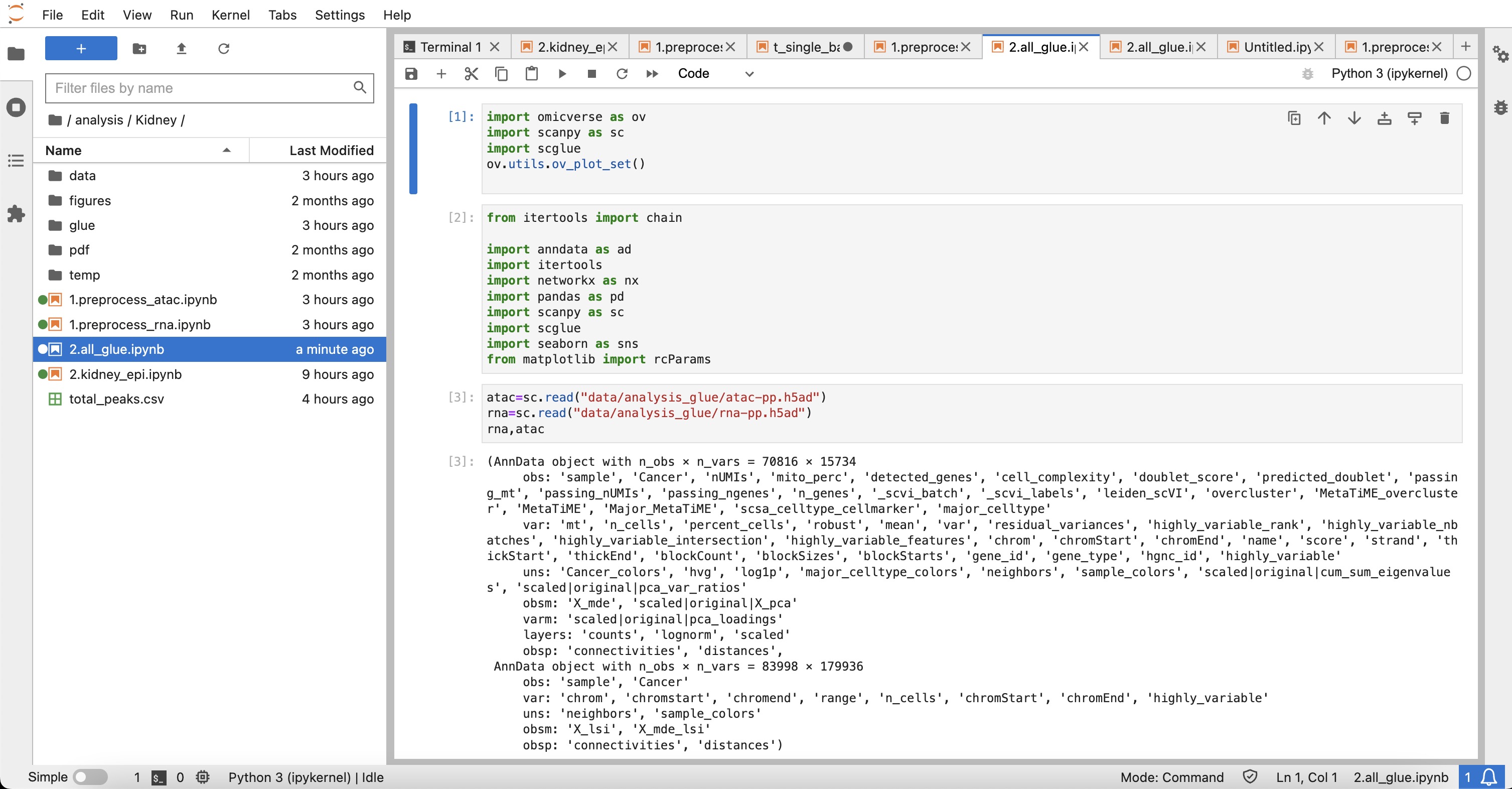
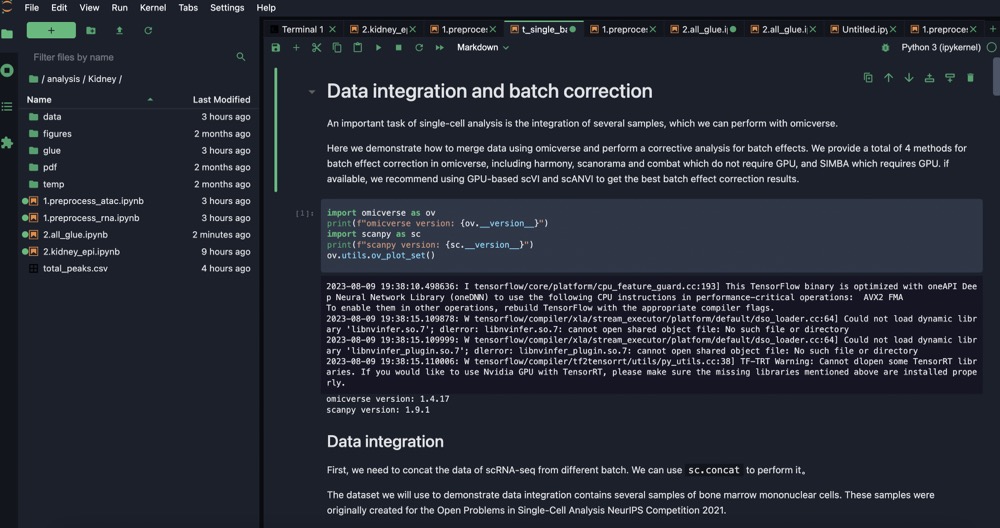
We recommend using Jupyter Lab for interactive analysis:
pip install jupyterlab
After installation, activate your omicverse environment and run jupyter lab in your
terminal. A URL will appear that you can open in your browser.
Troubleshooting#
# Ubuntu
sudo apt update
sudo apt install build-essential

# CentOS
sudo yum group install "Development Tools"

# Verify GCC
gcc --version
If pip fails to install certain packages (e.g., scikit-misc), try conda instead:
conda install scikit-misc -c conda-forge -c bioconda
conda install s_gd2 -c conda-forge
pip install -U omicverse
conda install pytorch::pytorch torchvision torchaudio -c pytorch
Important: OmicVerse requires a native version of Python on Apple Silicon Macs. Install a native Apple Silicon version of mambaforge using Homebrew:
brew install --cask mambaforge
# 1. Uninstall pip wheels
pip uninstall -y numpy scipy scikit-learn threadpoolctl \
    torch torchvision torchaudio pytorch-lightning

# 2. Install clean LP64 + OpenBLAS stack from conda-forge
mamba install -c conda-forge \
    "numpy>=1.26,<2" "scipy>=1.11,<2" anndata "scanpy>=1.10" pandas \
    scikit-learn numexpr threadpoolctl \
    "libblas=*=*openblas" "libopenblas=*=*openmp" libomp

# 3. Install PyTorch with conda
mamba install -c pytorch -c conda-forge pytorch torchvision torchaudio